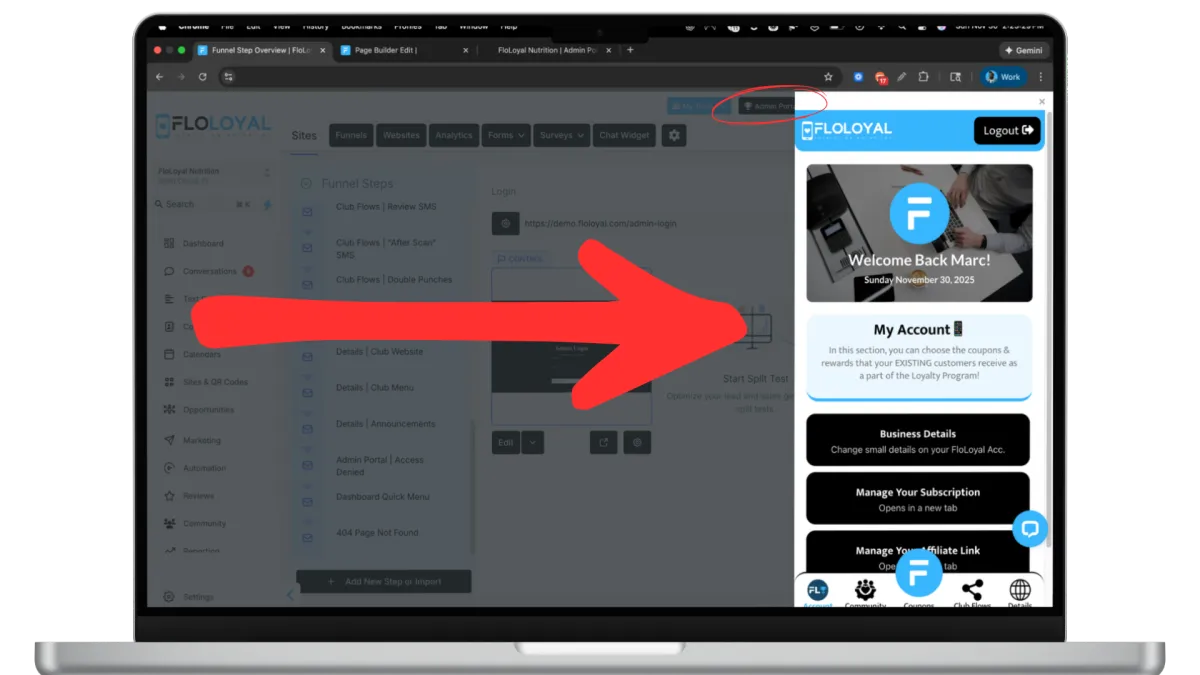
Welcome Back Paola!
Sunday December 14, 2025
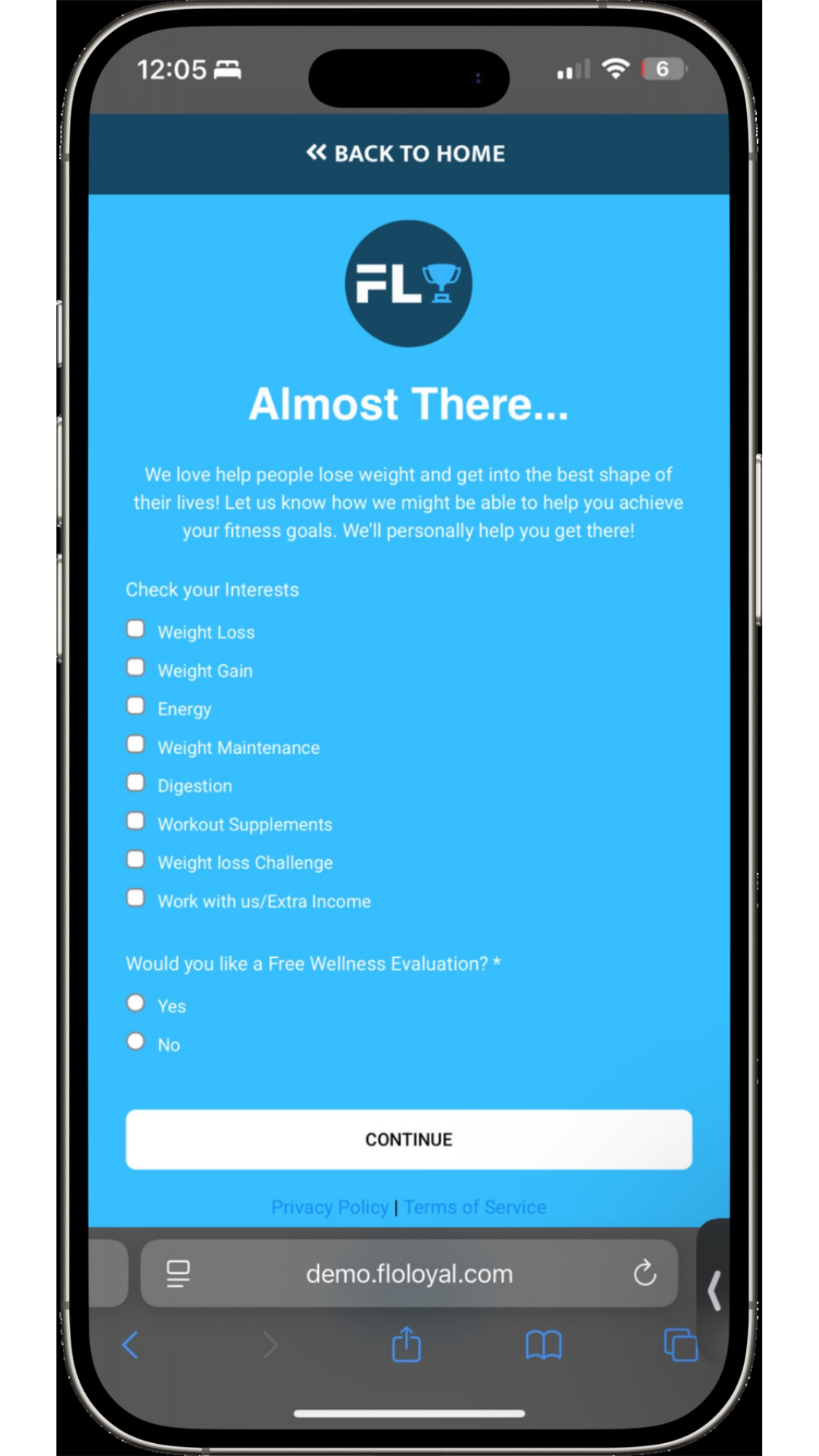
Wellness Intake ❤️
In this section, you can choose the coupons & rewards that your EXISTING customers receive as a part of the Loyalty Program!
💡 Pro Tip
In the contacts area, click on Loyalty Members then on Manage Fields. Use the search bar to type in Check Your Interests. Then hit the Contact folder and select the result. This will show you what the customer has selected with each visit.
How It Works
When customers sign up to the Loyalty Program, instead of going directly to the confirmation page, they're instead taken to this page where information about their interests are taken for follow up.
DESIGNED & POWERED BY




Account
Community
Coupons
Club Flows
Details
⚠️
Please Use The Admin Portal
On Your Mobile Device or on FloLoyal Desktop